Payment link
The BTG Pactual Empresas Payment Link API lets customers create and manage billing links for integration into their own systems.
A payment link is a link with an attached charge that, when clicked, redirects the payer to an unauthenticated area of BTG Pactual Empresas where they can pay using the chosen method. It is a simple way to charge without having to build your own checkout screen: the link can be sent by email, WhatsApp, SMS, or embedded in your system.
When you create a link, you define the charge amount, the payer's details, the due date, and which payment methods will be available. On the payment page, the payer chooses among the methods you enabled.
Use Cases
- Create, distribute, and manage payment links.
- One-off charges without needing your own checkout.
- Send charges through channels such as email, WhatsApp, and SMS.
- Offer multiple payment methods in a single link.
Payment Methods
When you create a link, you enable one or more payment methods. The three main ones are the boleto, immediate Pix, and credit card, identified in the API by the values BANKSLIP, IMMEDIATE_QRCODE, and CREDIT_CARD.
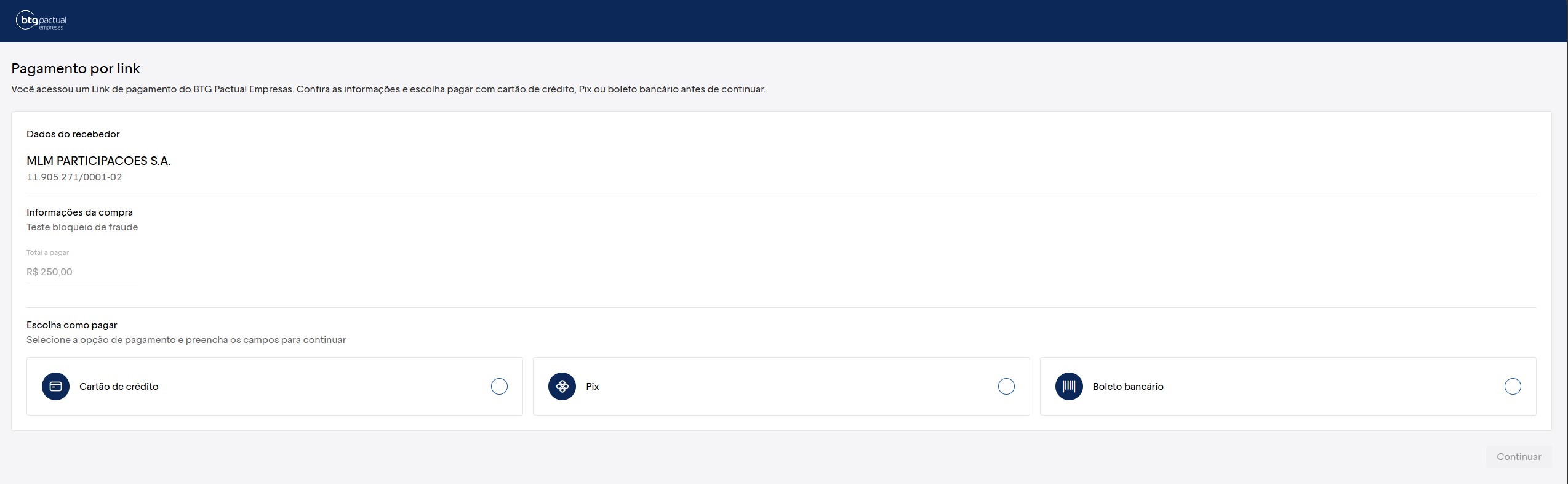
Boleto — BANKSLIP
The boleto is the traditional payment method, with a barcode and payment line. When you enable BANKSLIP, the link provides the payer with a bank slip that can be paid at any bank, internet banking, or lottery agent.
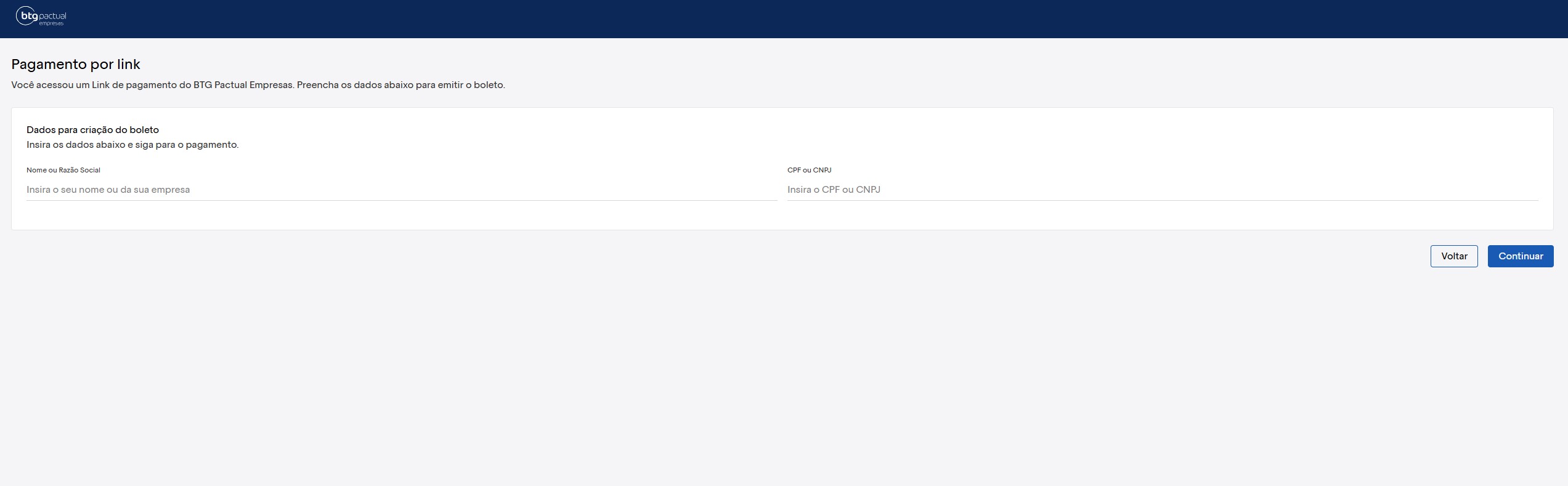
Key features:
- Has a due date set when the link is created.
- Can be paid after the due date, subject to interest and penalty when configured.
- Settlement occurs on D+1 — that is, the amount is credited on the business day following payment confirmation.
- Suited to payers who prefer traditional methods or do not have a card.
Immediate Pix — IMMEDIATE_QRCODE
Immediate Pix generates a QR code (and the copy-and-paste code) for instant payment via Pix. When you enable IMMEDIATE_QRCODE, the payer completes the charge in seconds, at any time of day.
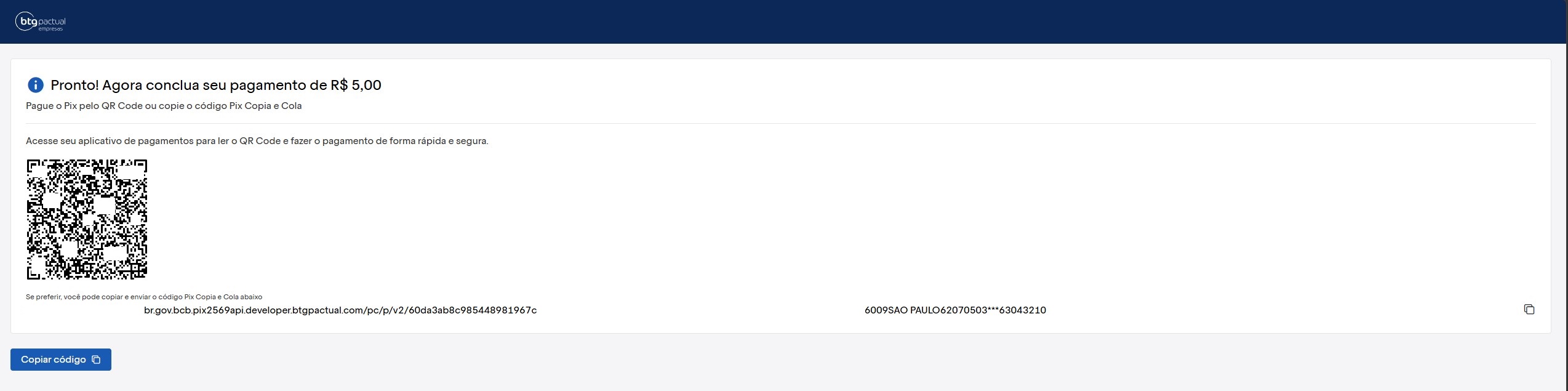
Key features:
- Instant payment, available 24 hours a day, 7 days a week.
- Settlement is immediate, with real-time confirmation.
- Provides a QR code to scan with the bank app and a copy-and-paste code for manual payment.
- Suited when you want to receive funds quickly and reduce default rates.
Credit card — CREDIT_CARD
Credit card lets the payer settle the charge with their card. When you enable CREDIT_CARD, the payment page displays the form to enter the card details.
Use of this feature is granted only after prior review and compliance with the established internal criteria.
Check your eligibility in your business account or by email to the support channel. atendimento.empresas@btgpactual.com
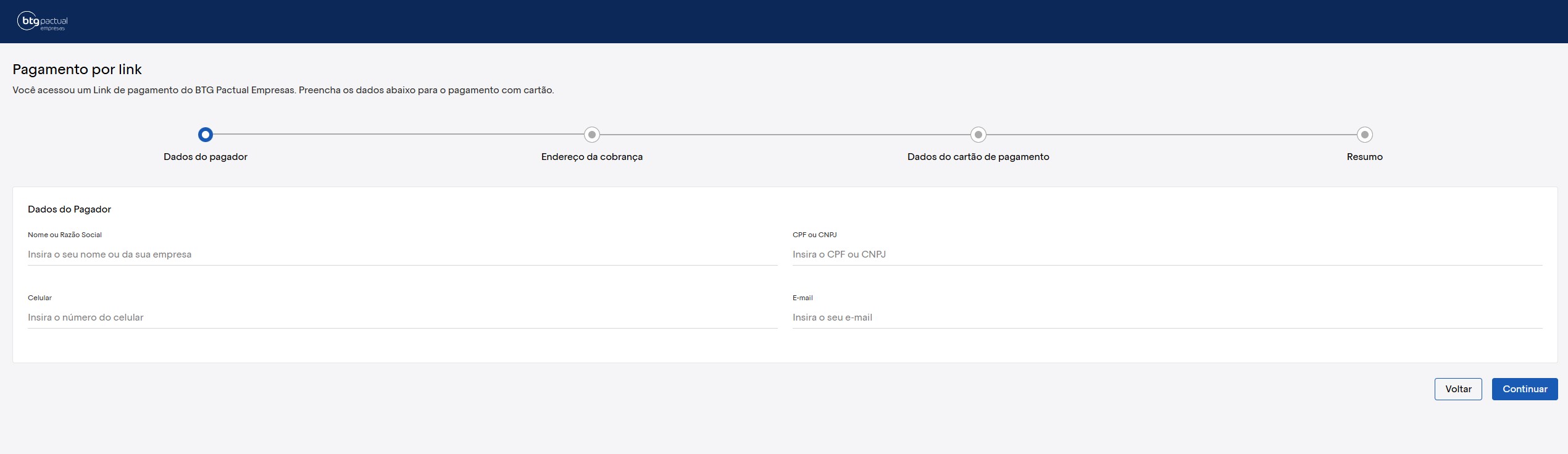
Key features:
- Transaction approval subject to review by the card operator.
- Convenience for the payer, who does not need an immediate account balance.
Available Resources
The Payment Link API resources are available in the API Reference.